
Open the customer packages tab
From Customers, open the customer profile and switch to the Packages tab. The table shows credit balances, pass validity, expiry, and status for every package assigned to this customer.
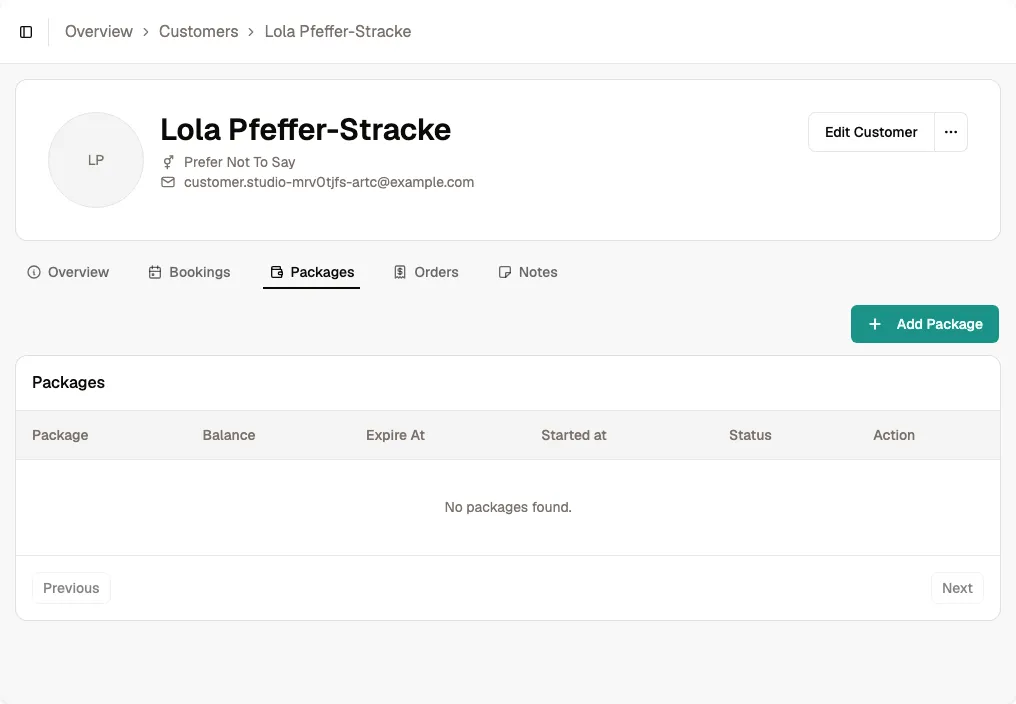
Start adding a package
Click Add Package and choose the package to assign. If it is not listed, create it from the main Packages page first.
Bookjor identifies whether it is a credit package or pass and shows the fields that apply.
Enter the credits or pass validity
Credit packages require a credit amount and expiry date; where allowed, you can mark them as never expiring.
Passes require a validity duration and unit. They have no credit balance and provide unlimited eligible bookings while active.
Record payment and submit
Enter the amount paid and select the payment method. Use Free for a complimentary package or Pay Later when payment will be collected separately.
Click Add Package. The package becomes available immediately, subject to its validity dates and the pricing rules configured for the class, course, or service.
Tip Passes cannot be shared. Credit packages can only be shared when sharing was enabled on the package before assignment.